

Quick Start Guide
Step 1: Create Your Account
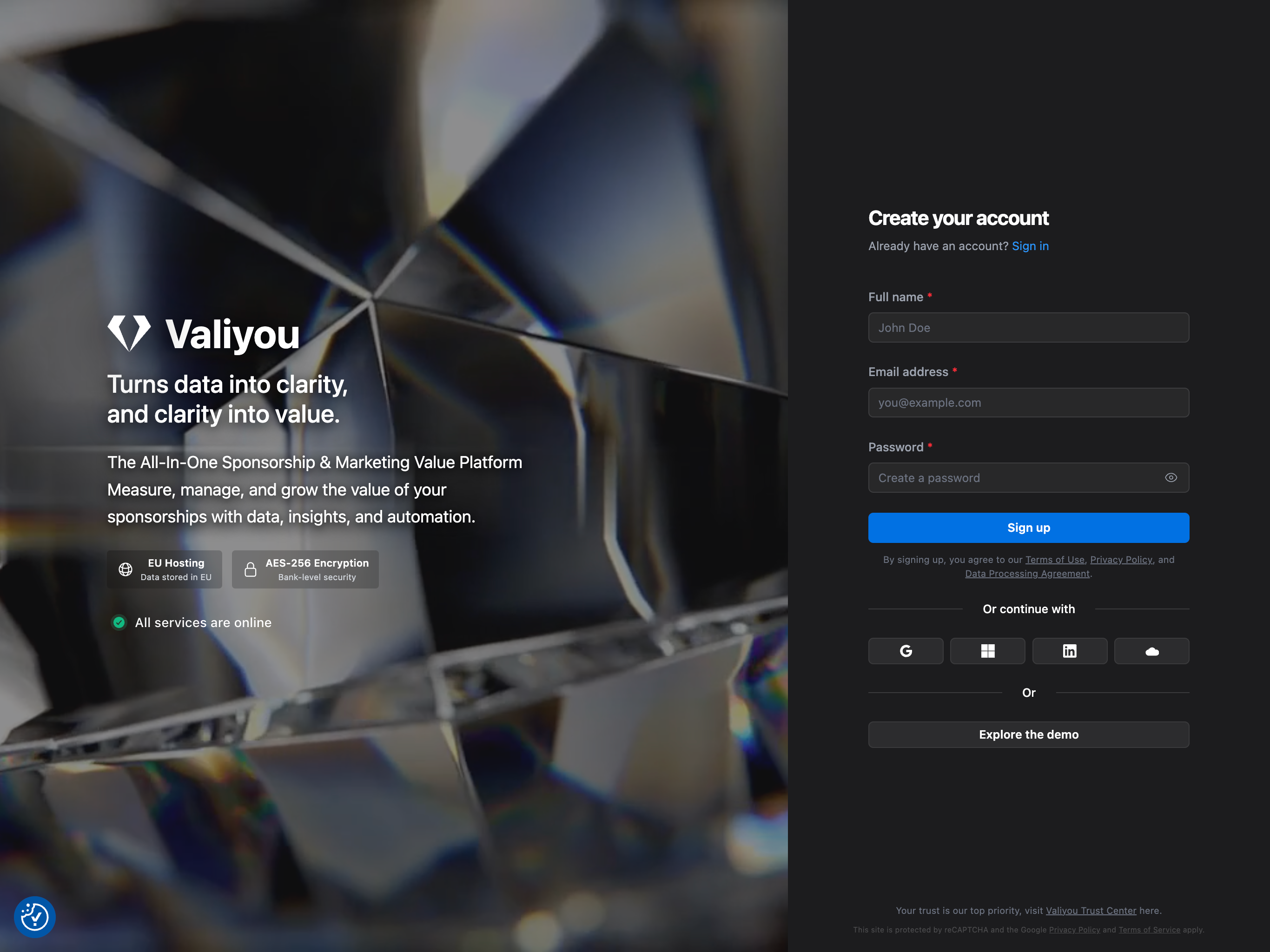
Visit valiyou.io/auth/signup and create your account.Signup Methods
We recommend signing up with email and password for the best experience. Alternative options include:- Email and password (recommended)
- Google Sign-In
- Microsoft Account
- Salesforce
Email Verification
After signing up with email, you’ll receive a verification email. Click the link in the email to verify your account before proceeding.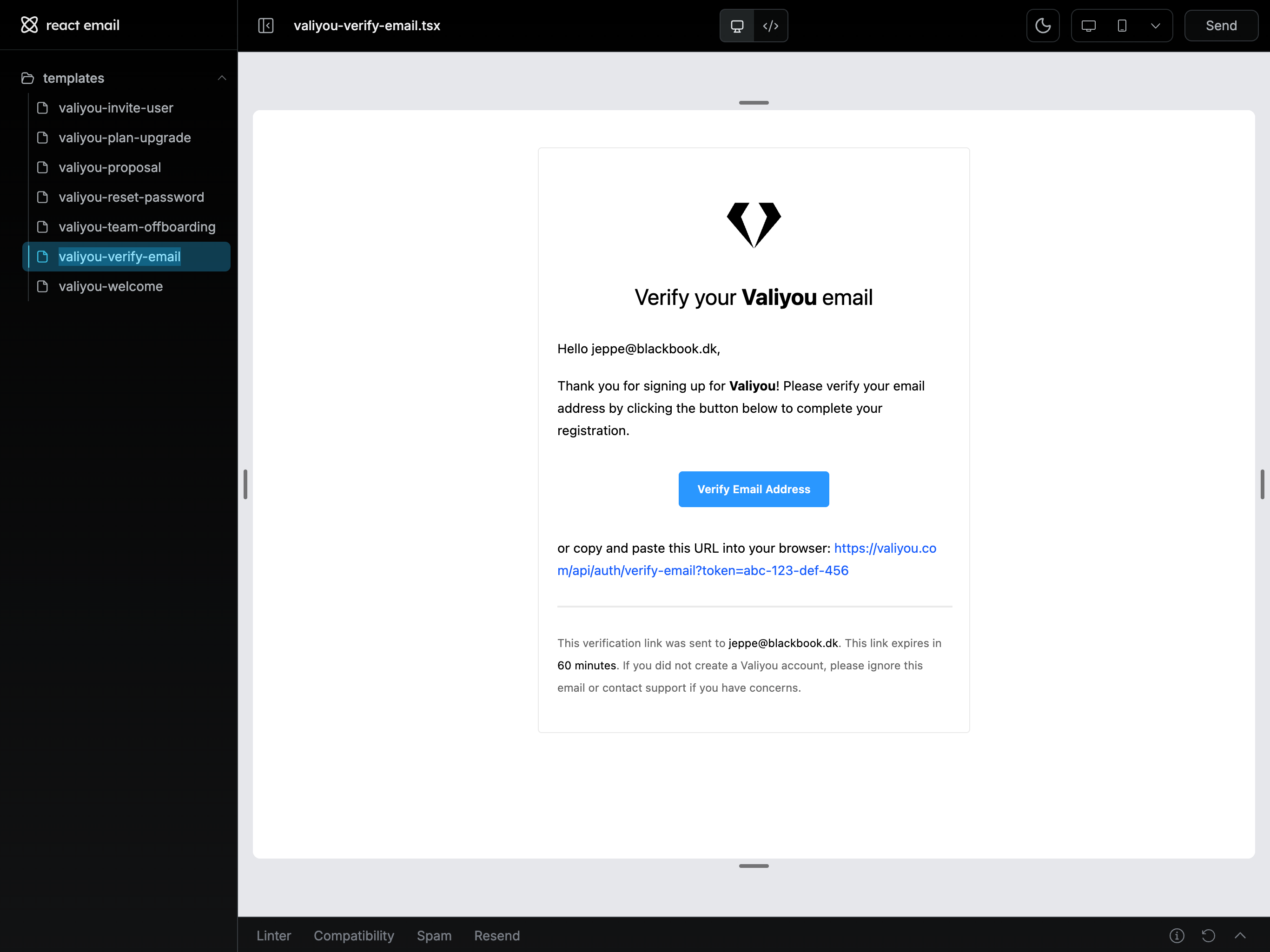
Step 2: Set Up Your Organization
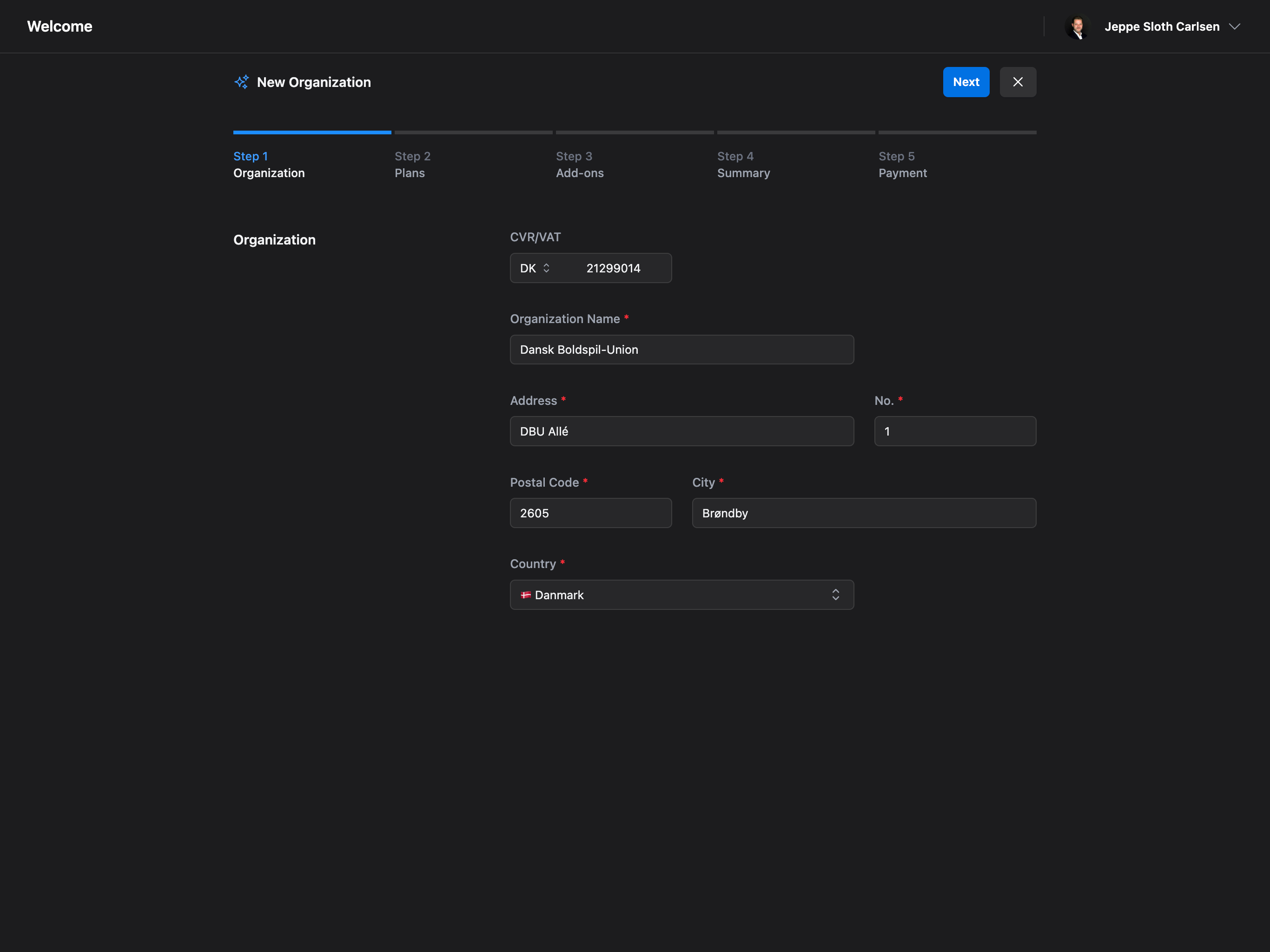
Once logged in, you’ll be guided through a 5-step onboarding process to set up your organization.Organization Details
Enter your organization information:- CVR/VAT Number - Your company registration number
- Organization Name - Your company or club name
- Address - Street name, number, postal code, city, and country
Choose Your Plan
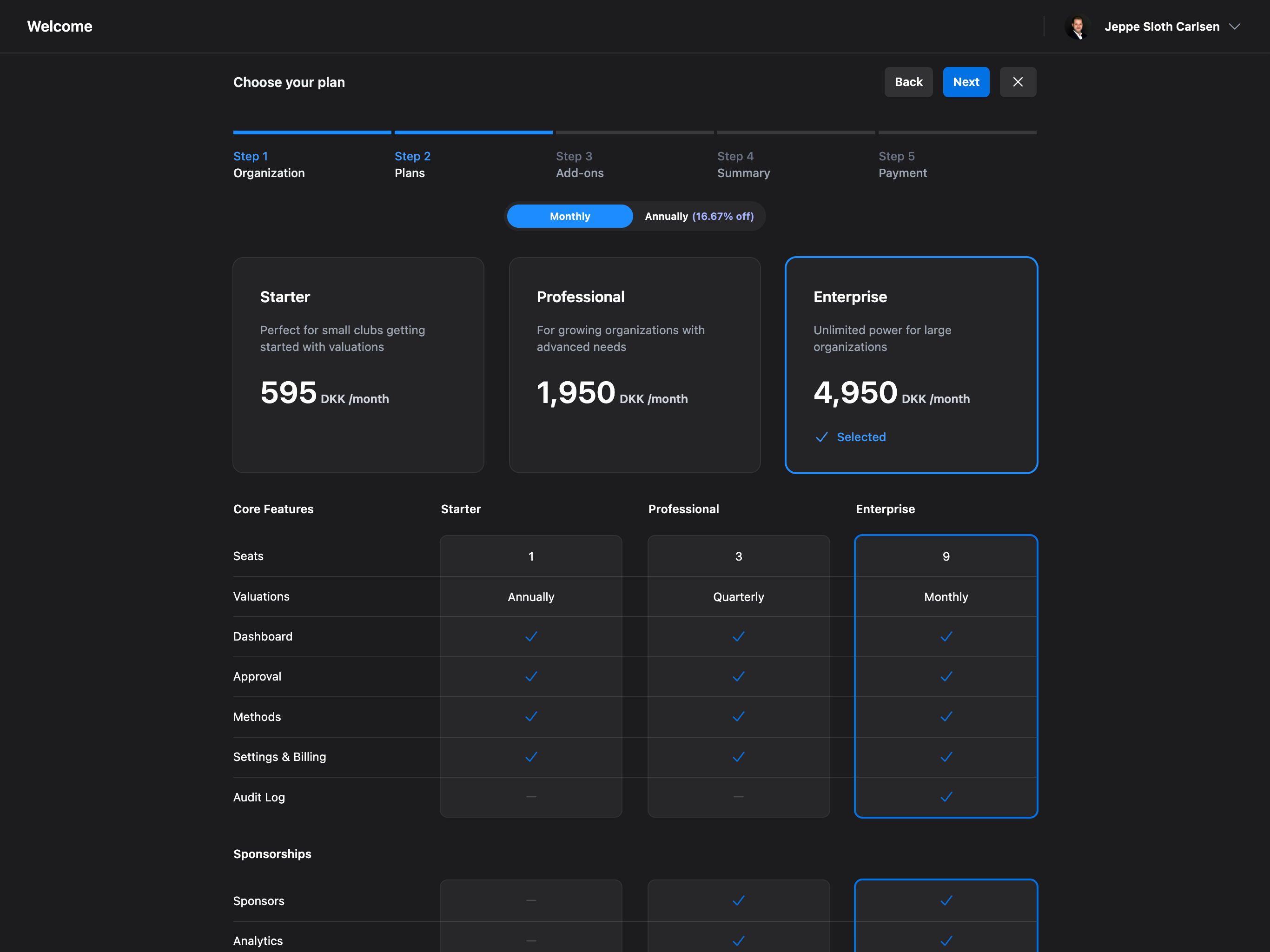
Select the plan that best fits your needs:- Starter - Perfect for small clubs getting started with valuations
- Professional - For growing organizations with advanced needs (most popular)
- Enterprise - Unlimited power for large organizations
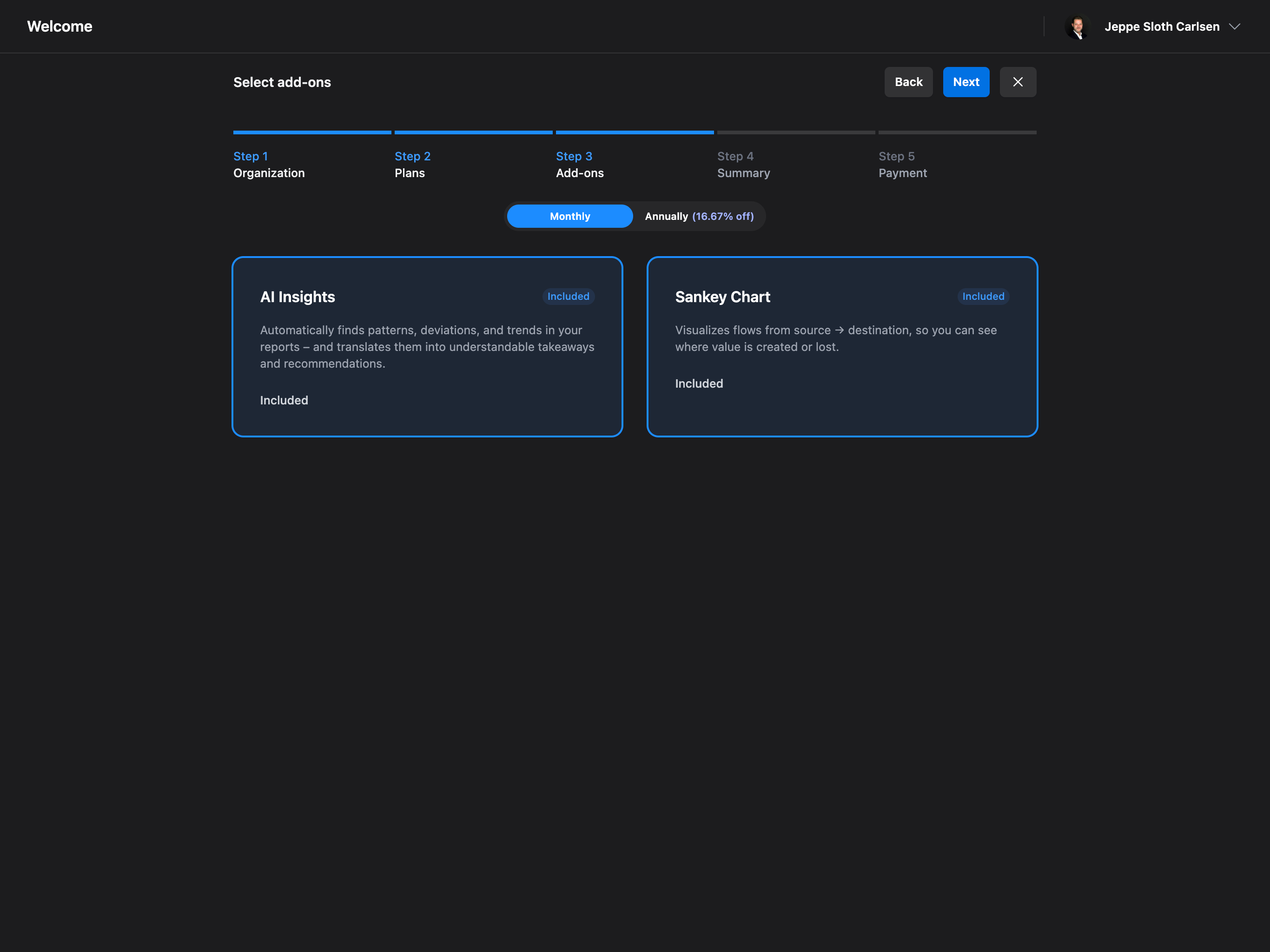
Select Add-ons
Enhance your experience with optional add-ons:- AI Insights - Automatically finds patterns, deviations, and trends in your reports
- Sankey Chart - Visualizes value flows from source to destination
Review Your Order
Review your selections and apply any discount codes if you have them.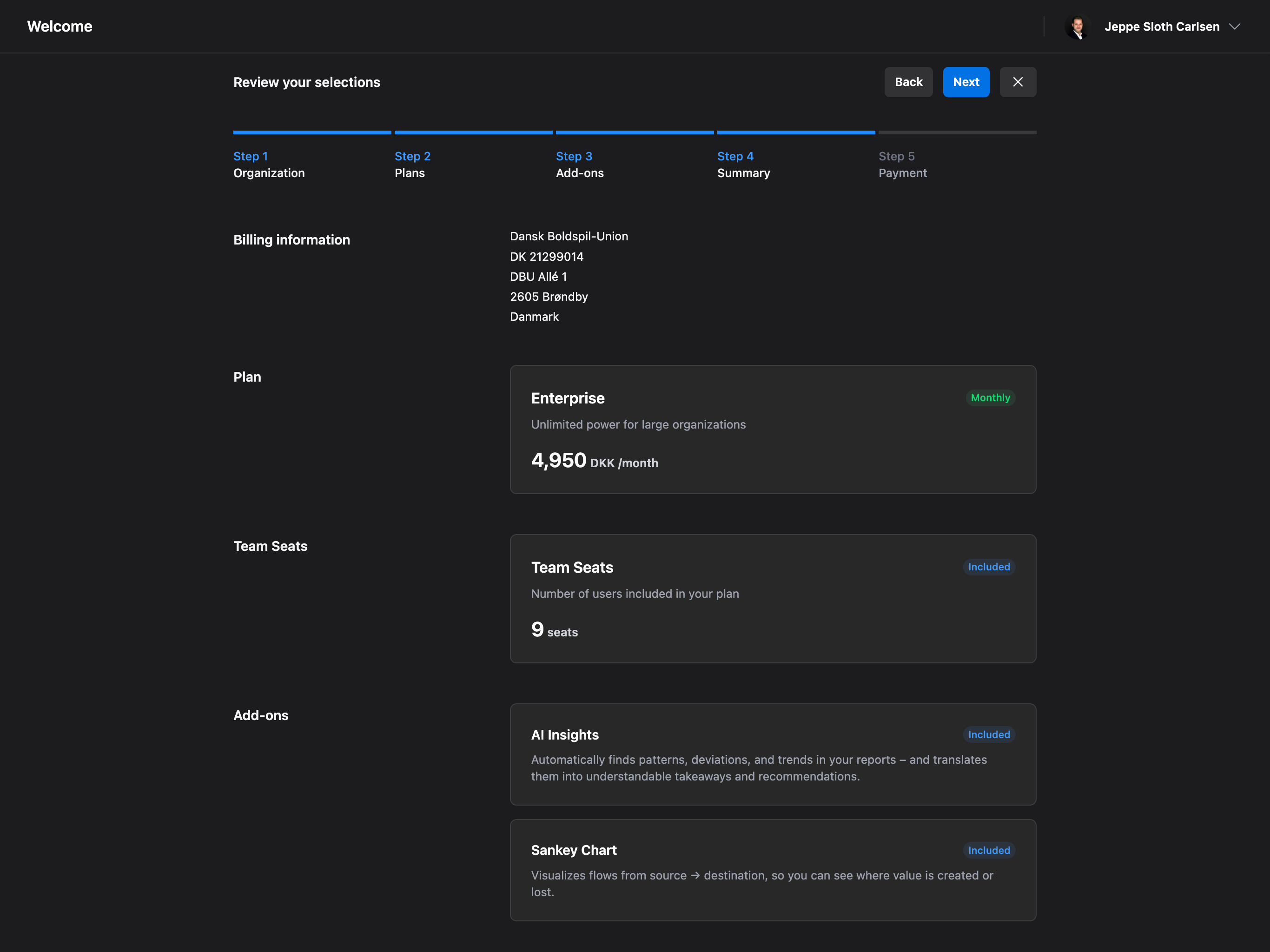
Payment
Complete payment through Stripe’s secure checkout.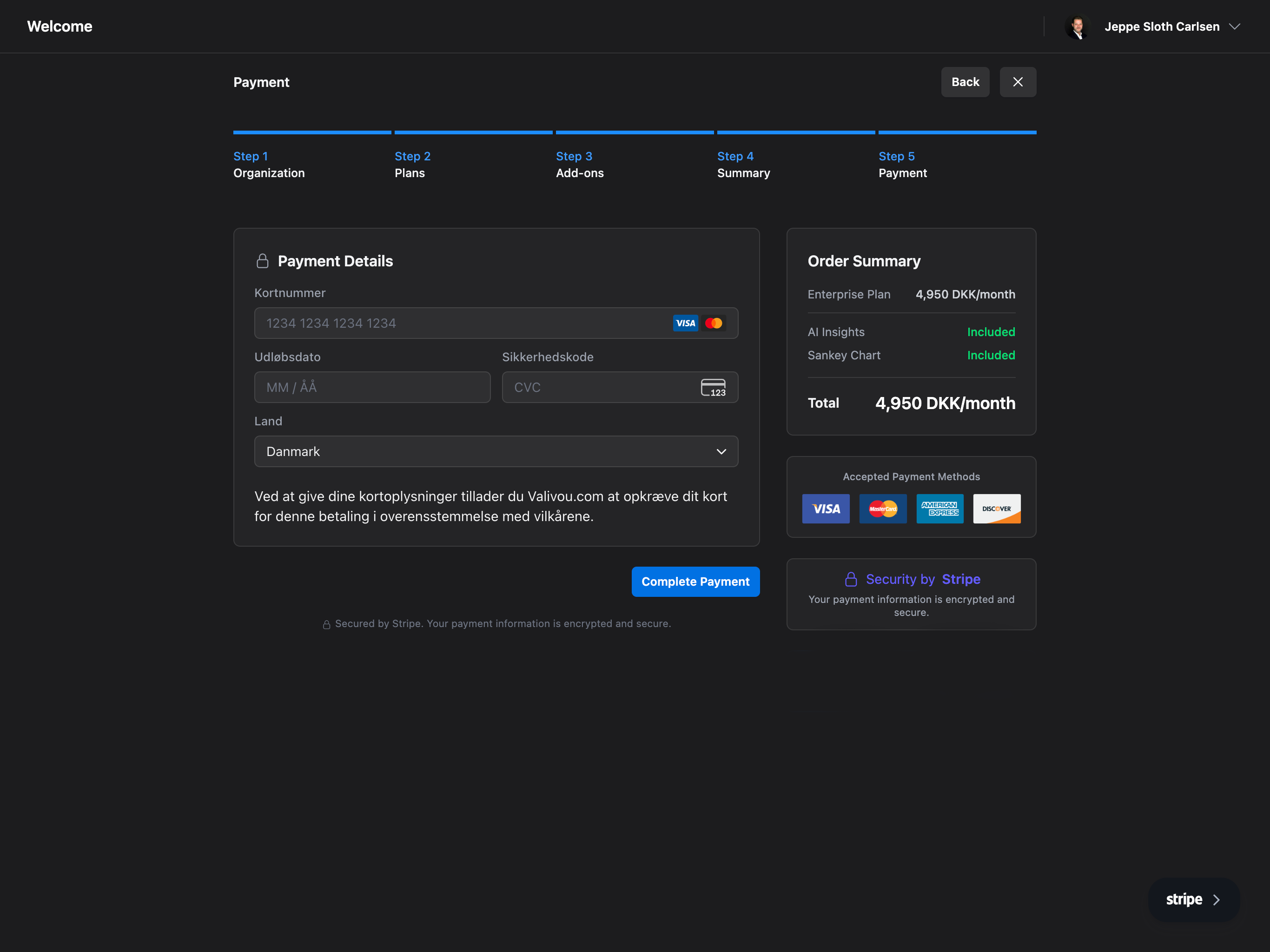
What’s Next?
Once your organization is set up, you’ll be redirected to your dashboard where you can:Create Your First Valuation
Start calculating sponsorship value with our valuation tool
Invite Team Members
Add your team and collaborate on valuations
Explore Sponsorships
Manage your sponsors and sponsorship packages
Platform Settings
Configure your organization settings
Frequently Asked Questions
How long does the onboarding process take?
How long does the onboarding process take?
The entire Valiyou onboarding process takes approximately 5 minutes to complete. This includes creating your account, verifying your email, entering organization details, selecting a subscription plan, choosing add-ons, and completing payment. Once finished, you’ll have immediate access to your dashboard and can start creating valuations right away.
Can I change my subscription plan after setup?
Can I change my subscription plan after setup?
Yes, you can upgrade or downgrade your subscription plan at any time from Platform → Billing →
Plans. When upgrading, changes take effect immediately and you’ll be prorated for the remaining
billing period. When downgrading, changes apply at the end of your current billing cycle to ensure
you get full value from your current plan.
What payment methods does Valiyou accept?
What payment methods does Valiyou accept?
Valiyou uses Stripe for secure payment processing and accepts all major credit cards (Visa,
Mastercard, American Express, Discover), debit cards, and various local payment methods depending
on your region. All payments are PCI-compliant and encrypted. You can manage payment methods in
Platform → Billing → Payment Methods.
Is there a free trial available?
Is there a free trial available?
Valiyou offers a trial period for new users to explore the platform features. Check our pricing
page or contact our sales team for current trial offers. During the trial, you’ll have access to
core features including valuations, sponsorship management, and basic reporting to evaluate if
Valiyou fits your organization’s needs.
What happens if I skip email verification?
What happens if I skip email verification?
Email verification is required to access your Valiyou account fully. Without verification, you may
have limited access to features and won’t receive important notifications about valuations, team
collaboration, or billing updates. If you didn’t receive the verification email, check your spam
folder or request a new verification email from the login page.
Can I use Valiyou without entering a VAT/CVR number?
Can I use Valiyou without entering a VAT/CVR number?
The VAT/CVR number is required for organizations subject to VAT regulations and helps ensure
proper invoicing. If your organization is not VAT-registered (such as some non-profits or
organizations in certain jurisdictions), you can enter “N/A” or contact support for assistance
with account setup.
What's included in each subscription plan?
What's included in each subscription plan?
The Starter plan includes essential valuation tools and basic reporting for small teams.
Professional adds advanced analytics, unlimited valuations, team collaboration features, and
priority support. Enterprise provides everything in Professional plus custom integrations,
dedicated support, unlimited users, and advanced security features. View detailed feature
comparisons on our pricing page.
Are the AI Insights and Sankey Chart add-ons worth it?
Are the AI Insights and Sankey Chart add-ons worth it?
AI Insights automatically analyzes your valuation data to identify trends, outliers, and
opportunities that might otherwise be missed, saving hours of manual analysis. The Sankey Chart
provides visual flow diagrams showing how sponsorship value moves through your organization,
making presentations to stakeholders more impactful. Both add-ons are particularly valuable for
Professional and Enterprise users managing complex sponsorship portfolios.
Can I cancel my subscription at any time?
Can I cancel my subscription at any time?
Yes, you can cancel your Valiyou subscription at any time from Platform → Billing → Cancel
Subscription. For monthly plans, cancellation takes effect at the end of the current billing
period. For annual plans, you’ll retain access until the end of your paid year. You can export all
your data before cancellation to ensure you don’t lose any valuations or reports.
How do I get help if I get stuck during setup?
How do I get help if I get stuck during setup?
Valiyou offers multiple support channels during onboarding. Access our comprehensive knowledge base, watch video tutorials, use the in-app chat support for instant help, or email support@valiyou.com. Professional and Enterprise customers also have access to dedicated onboarding specialists who can provide personalized setup assistance and training sessions.