

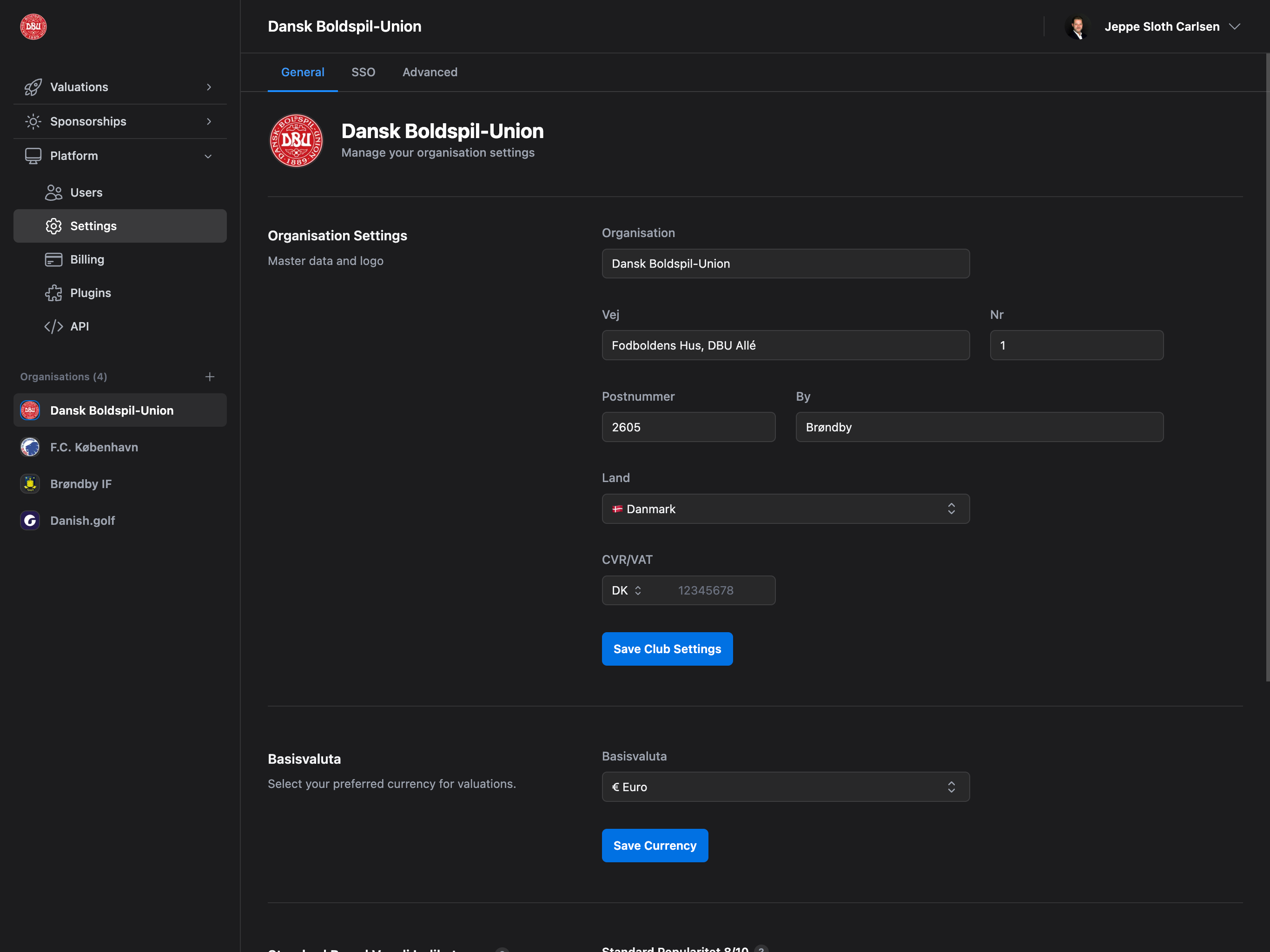
Accessing Settings
Navigate to Platform → Settings from the sidebar to access full organization settings.This is a quick setup guide. For complete organization settings documentation including address details, brand values, SSO, audit log, and advanced features, see Platform → Settings → General.
Upload Organization Logo
Your logo appears throughout the platform, in reports, and on proposals.- Click the avatar circle at the top of the Settings page
- Select an image file (max 2MB)
- Crop and adjust the logo using the crop tool
- Click “Save” to apply
Supported formats: JPG, PNG, GIF, WebP. The image will be automatically cropped to a square format.
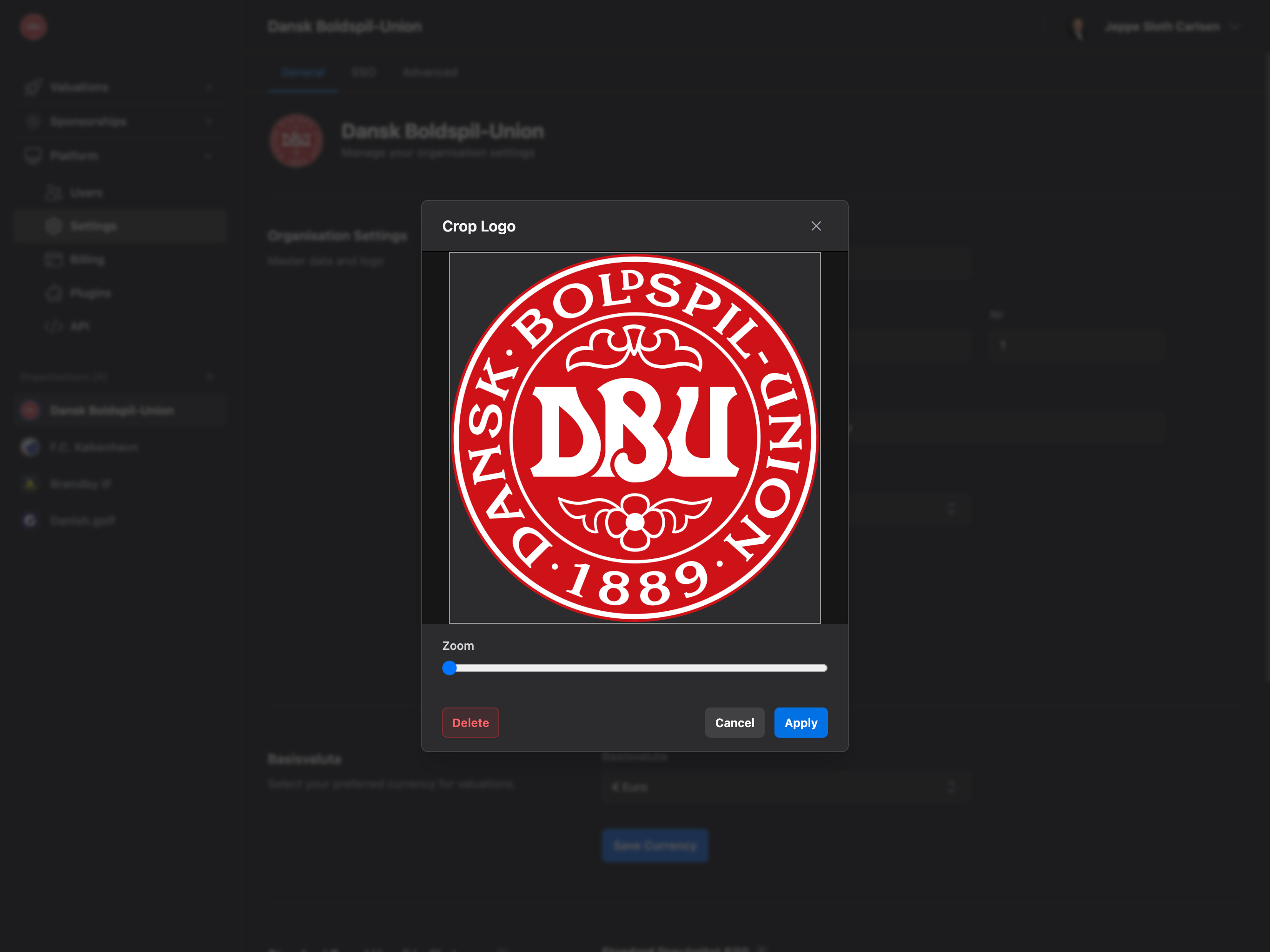
- Click the avatar circle with your current logo
- Click “Delete” in the crop modal
- Confirm removal
Base Currency
Select your preferred currency for all valuations and financial calculations.%20(1).png?fit=max&auto=format&n=WLUySF7eTItpBXNF&q=85&s=dce828b942156717197c898db1aa1525)
- Choose from available currencies (EUR, USD, GBP, DKK, etc.)
- Click “Save Currency” to apply
- New valuations
- Sponsorship values
- Financial reports
- Player transfer calculations
Currency Symbol: The selected currency’s symbol (€, $, £, etc.) will appear throughout the platform.
Additional Settings
The Settings page has three tabs with additional configuration options:General Tab
- Organization details (name, address, VAT/CVR number)
- Logo upload
- Base currency selection
- Default brand value indicators (Professional/Enterprise)
SSO Tab (Enterprise only)
- SAML 2.0 configuration
- OAuth 2.0 setup
- OpenID Connect integration
Advanced Tab
- Audit log (Enterprise only)
- Danger zone: Delete organization
Full Documentation: For detailed information about all settings, see Platform → Settings → General.
Next Steps
Complete Setup
Fill in organization details, address, and VAT number
Invite Team Members
Add your team and start collaborating
Configure Brand Values
Set default brand indicators for valuations (Professional/Enterprise)
Enable SSO
Configure single sign-on for your team (Enterprise only)